
App blocker guides
Start with the screen-time problem you want to solve
Each guide answers one specific search, then turns it into a focused ScreenPup setup for iPhone or Android.
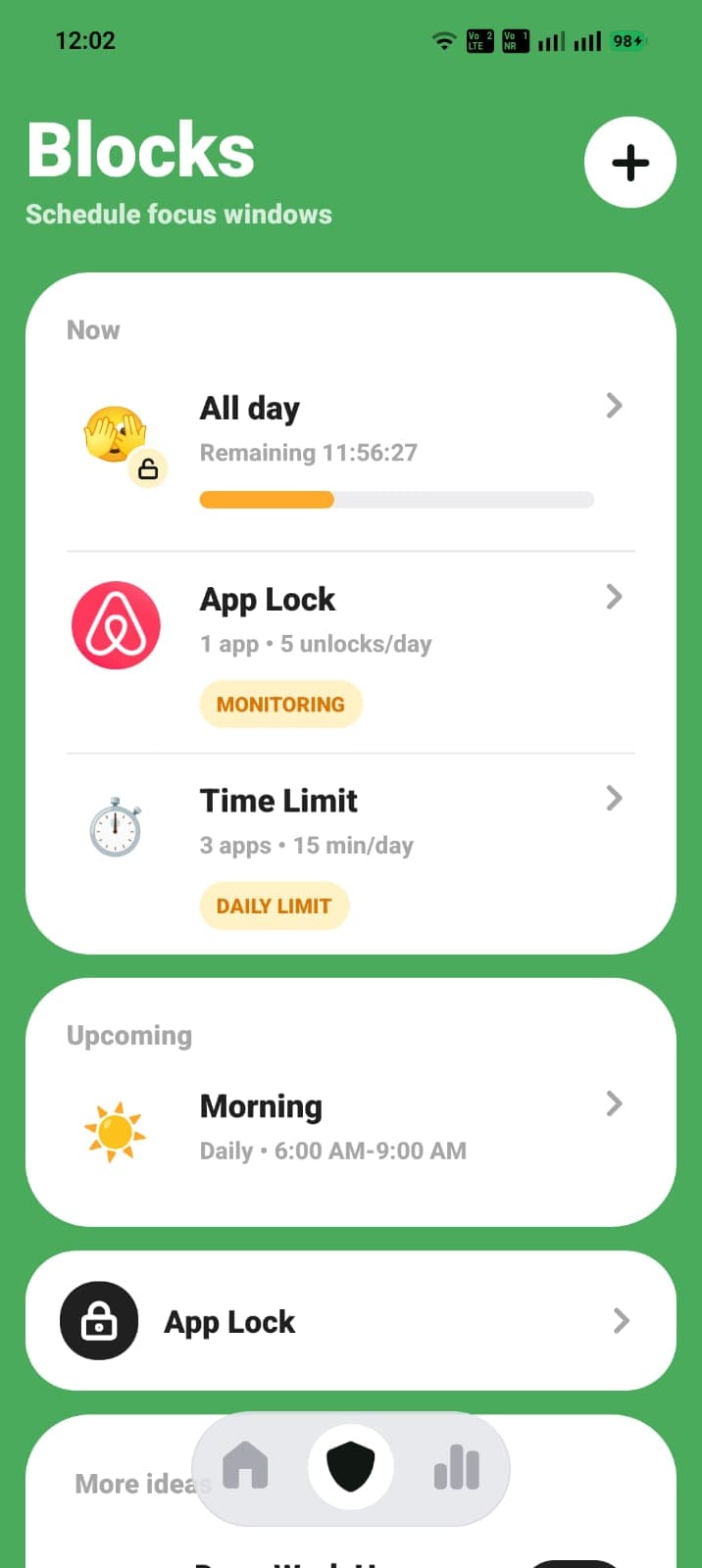
Choose one better rule
Start with the intent closest to your situation. Every guide includes a quick answer, setup steps, FAQs, and a next action.
Choose an app blocker you will actually keep using
Learn how app blockers work, which features matter, and how to use ScreenPup to block distracting apps on iPhone or Android.
How to block distracting apps on iPhone
Use iPhone Screen Time or ScreenPup to block distracting apps, schedule screen-free windows, and set daily app limits.
How to block distracting apps on Android
Use Android Digital Wellbeing or ScreenPup to block distracting apps, schedule focus time, set limits, and review screen time.
Block social media without deleting every app
Learn how to use a social media blocker for focused work, calmer mornings, and better bedtime boundaries on iPhone or Android.
Block apps at certain times of day
Schedule app blocking for work, study, mornings, or bedtime on iPhone and Android, then make the routine automatic with ScreenPup.
Set app time limits you will not ignore
Learn how to choose daily app limits on iPhone or Android and combine them with ScreenPup schedules, App Lock, and usage reports.
Reduce screen time with one rule at a time
Use a screen-time app to find your biggest distraction, create one focused rule, and measure the result with this practical seven-day plan.
Focused routines