
ScreenPupGet ScreenPup

ScreenPup FAQ

Specific answers for better screen-time rules

Start with the exact question you searched. Every answer links to a practical guide with setup steps for iPhone or Android.

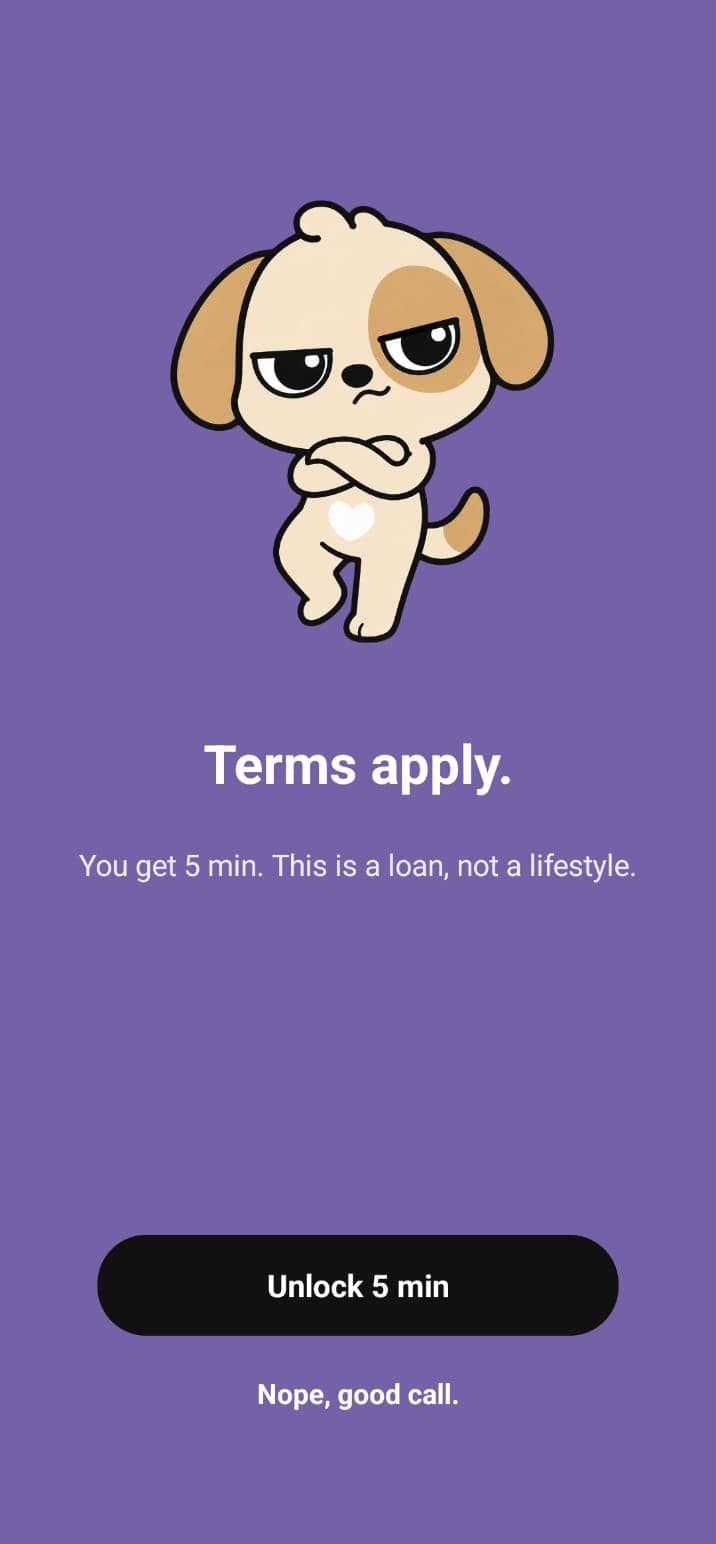
ScreenPup checkpoint shown before opening a distracting app.
02

What should I look for in the best app blocker?

Look for specific app selection, repeat schedules, daily limits, flexible breaks, and useful reports. The best choice is the one that matches your failure moment and is simple enough to repeat.

Learn more: See the app blocker checklist
03

Can I completely block an app on iPhone?

You can restrict selected apps with Apple Screen Time or a third-party blocker that uses Apple’s Screen Time framework. The exact behavior depends on the rule and permissions you choose.

Learn more: Understand app blocker rules
04

Can I block apps at certain times on iPhone?

Yes. Apple Downtime supports a repeat schedule, and ScreenPup can create scheduled screen-free windows for routines such as mornings, study, work, and bedtime.

Learn more: Create a timed app block
05

Does Android have a built-in app blocker?

Android Digital Wellbeing includes app timers and Focus mode on supported devices. These tools may be enough for simple limits; a dedicated blocker is useful when you want more routines and reports in one place.

Learn more: Compare blockers with built-in limits
06

Can I block apps at certain times on Android?

Yes. Focus mode can be scheduled on supported Android devices, and ScreenPup can create repeat screen-free windows for work, study, mornings, bedtime, and other routines.

Learn more: Set a scheduled app block
07

Can I block social media apps without deleting them?

Yes. A social media blocker can restrict selected apps during a schedule or focus session while keeping them installed for intentional use later.

Learn more: Block apps only at certain times
08

How long should I block social media?

Start with the window where social media causes the most disruption. A 45- to 90-minute study block, the first hour after waking, or the last hour before bed is a practical first test.

Learn more: Build a doomscrolling routine
09

How do I block apps at night?

Create a schedule that begins before your normal scrolling starts and ends after your wake time. Keep calls, alarms, and other essentials available.

Learn more: Stop late-night doomscrolling
11

What if I keep ignoring my app time limit?

Add a scheduled block around the highest-risk window, reduce easy exceptions, or use App Lock when repeated opening is the problem. A different rule may fit the habit better.

Learn more: Add a scheduled app block
12

What app can help me reduce screen time?

Look for an app that combines usage reports with actions such as scheduled blocking, focus sessions, daily limits, and controlled breaks. ScreenPup provides those tools on iPhone and Android.

Learn more: See how an app blocker works
13

How quickly should I try to reduce screen time?

Start with one repeat window or one high-use app for seven days. A gradual, measurable reduction is easier to evaluate and keep than an immediate whole-phone lockdown.

Learn more: Set a realistic screen-time goal
14

Is a screen-time tracker enough on its own?

Tracking creates awareness, but a specific block, schedule, or limit turns that awareness into a change. Use the tracker to choose and review the rule.

Learn more: Set a daily app limit

Ready to try one rule?

Block the distraction, then review what changed

Use ScreenPup for focus sessions, schedules, app limits, limited unlocks, and screen-time reports on iPhone and Android.