
Quick answer
Set the first limit slightly below your current use
Review your baseline, choose one high-use app, and set a realistic daily allowance. Combine the limit with a scheduled block if the app is especially disruptive during work, study, mornings, or bedtime.
Use your baseline instead of guessing
Check the last seven days of usage before choosing a number. If an app averages 90 minutes per day, a first limit of 60 or 75 minutes is more likely to teach you something than an immediate five-minute cap.
The first goal is to interrupt automatic use and create a visible boundary. You can lower the limit again after the new amount feels normal.
Choose the right rule for the app
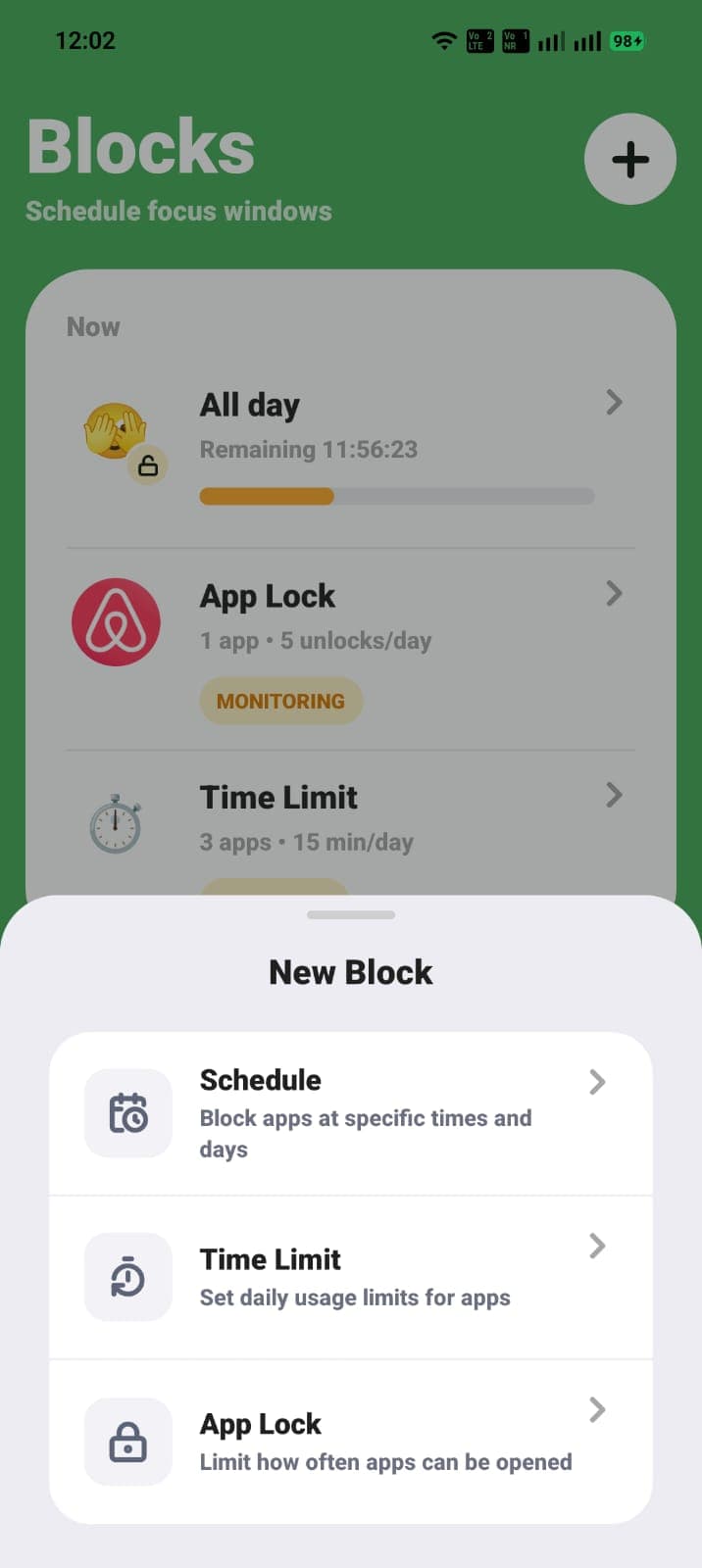
A daily time limit works best when the app has legitimate value in small doses. A scheduled block is better when access is fine later but harmful during a specific window. App Lock is useful when opening the app repeatedly is the problem even if each visit is short.
For a social app, you might block access during work, allow 30 minutes later, and limit how often you can reopen it. Each rule solves a different part of the habit.
- Daily limit: control total time.
- Schedule: control when the app is available.
- App Lock: control repeated opening.
- Focus session: protect a task that starts at different times.
Set app limits with built-in phone controls
Apple Screen Time App Limits and Android Digital Wellbeing app timers can both create daily caps. These built-in tools are a good first step if you need one or two simple limits.
Use ScreenPup when you want the daily limit to sit alongside focus sessions, schedules, limited unlocks, app-open controls, and a consistent set of weekly and monthly reports.
Adjust the limit without abandoning it
If you reach the limit too early because the app was genuinely useful, raise it slightly or protect a specific distraction window with a schedule instead. If you consistently have time left, lower the cap in a small step.
Avoid changing the number in the middle of an impulse. Review it at a planned time, ideally once a week, using the usage pattern rather than the feeling of one difficult day.
ScreenPup setup
How to use ScreenPup for this goal
- 01
Find your current average
Use ScreenPup's weekly report to see how much time the target app currently receives.
- 02
Choose a realistic allowance
Set a first limit that reduces use without making the rule disposable.
- 03
Add a schedule if timing matters
Keep the app unavailable during the part of the day when it causes the most damage.
- 04
Revisit the number weekly
Change the limit in small steps based on trends, not a single day.
Try the setup
Turn the guide into one rule today
ScreenPup combines app blocking, focus sessions, schedules, daily limits, limited unlocks, and usage reports on iPhone and Android.
All ScreenPup features require a subscription.Specific questions
Frequently asked questions
What is a good daily app time limit?
There is no universal number. Start slightly below your current seven-day average, then reduce it gradually if the new limit is easy to keep.
Learn more: Calculate your screen-time baselineCan I set different app limits for different apps?
Yes. Different apps serve different purposes, so set individual limits based on how much intentional use each one needs.
Learn more: Choose between limits and blocksWhat if I keep ignoring my app time limit?
Add a scheduled block around the highest-risk window, reduce easy exceptions, or use App Lock when repeated opening is the problem. A different rule may fit the habit better.
Learn more: Add a scheduled app block