
Quick answer
Measure, protect, review, then repeat
Record your current daily average, identify the app and time window behind the most unwanted use, create one block or limit, and review the result after seven days. Do not try to redesign your entire phone on day one.
Day 1: find your real screen-time baseline
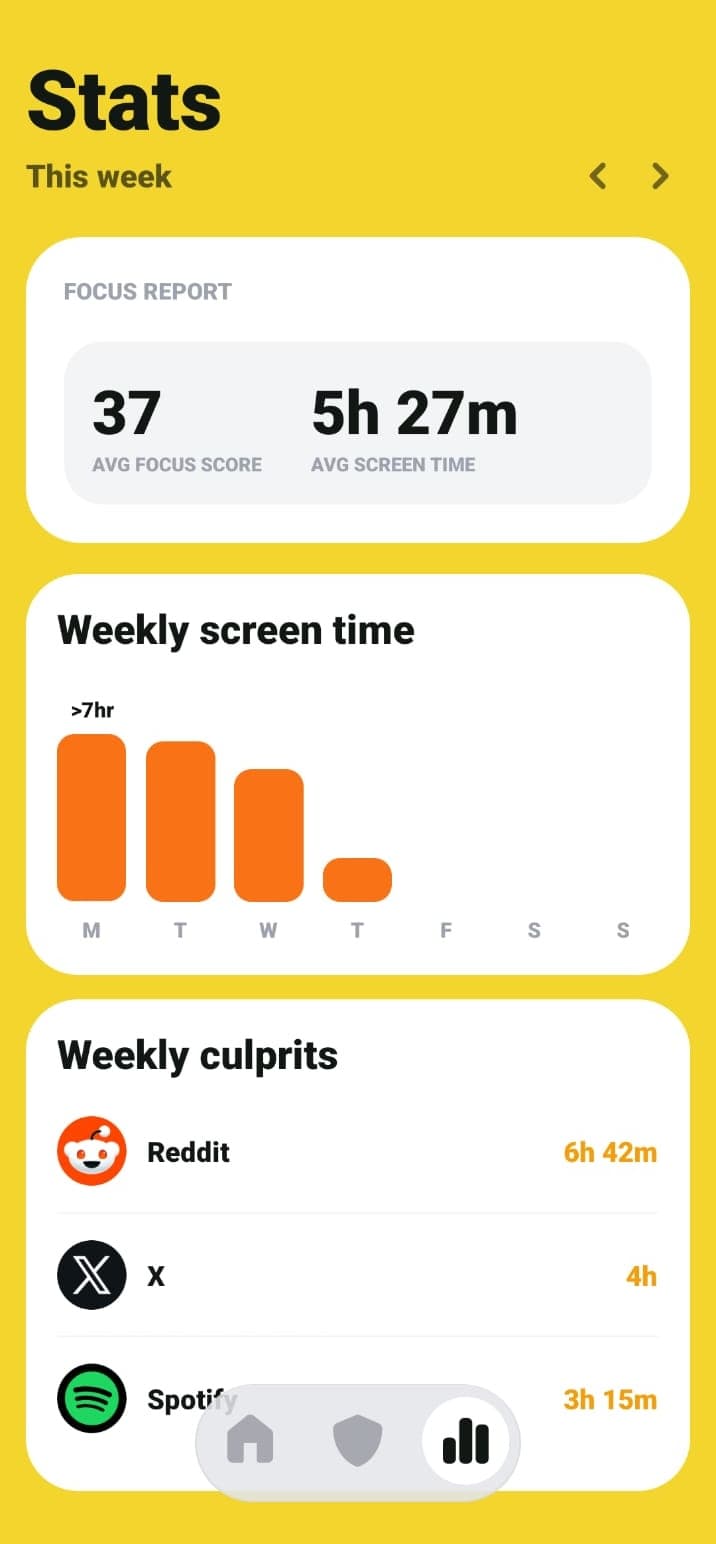
Look at the last seven days rather than one unusually good or bad day. Note your daily average, pickups, top apps, and the time of day when unplanned use is most common.
Choose one problem to solve first. A screen-time tracker is most useful when it leads to a specific action, not when it simply gives you another dashboard to check.
Days 2 to 6: protect one repeat moment
Create one rule for the moment you identified. Use a morning schedule if feeds take the first hour of the day, a focus session if the problem appears during changing tasks, a daily limit if one app dominates total time, or App Lock if frequent opening is the issue.
Keep the rest of your phone normal. A narrow experiment makes it easier to see whether the rule caused the change.
- Morning: delay the first feed check.
- Work or study: block the apps that interrupt one focus window.
- Evening: schedule a wind-down before the scroll begins.
- All day: cap one high-use app with a realistic limit.
Day 7: review more than total hours
Total screen time matters, but it is not the only useful signal. Check whether pickups fell, whether the target app moved down your top-app list, and whether you completed more focus sessions.
ScreenPup combines weekly and monthly trends with focus score, streaks, pickups, and top app insights. Use those signals to decide whether the rule should stay, change, or be replaced.
Choose the next smallest change
If the first rule worked, keep it and add one more only when the routine feels stable. If it failed, change a single variable: the start time, the app list, the daily allowance, or the break rule.
A digital detox does not have to mean abandoning your phone. The more useful goal is to make high-value use easy and automatic scrolling less available.
ScreenPup setup
How to use ScreenPup for this goal
- 01
Complete personalized onboarding
Tell ScreenPup which habits and goals matter so the first setup starts from a real use case.
- 02
Check the baseline
Review screen time, pickups, and top apps before creating the first rule.
- 03
Run one seven-day experiment
Use a schedule, focus session, daily limit, or App Lock for the highest-cost habit.
- 04
Use trends to choose the next step
Keep the change small and based on the weekly pattern.
Try the setup
Turn the guide into one rule today
ScreenPup combines app blocking, focus sessions, schedules, daily limits, limited unlocks, and usage reports on iPhone and Android.
All ScreenPup features require a subscription.Specific questions
Frequently asked questions
What app can help me reduce screen time?
Look for an app that combines usage reports with actions such as scheduled blocking, focus sessions, daily limits, and controlled breaks. ScreenPup provides those tools on iPhone and Android.
Learn more: See how an app blocker worksHow quickly should I try to reduce screen time?
Start with one repeat window or one high-use app for seven days. A gradual, measurable reduction is easier to evaluate and keep than an immediate whole-phone lockdown.
Learn more: Set a realistic screen-time goalIs a screen-time tracker enough on its own?
Tracking creates awareness, but a specific block, schedule, or limit turns that awareness into a change. Use the tracker to choose and review the rule.
Learn more: Set a daily app limit